Turn one photo
into a Christmas
carol video
Your photo scatters into text particles and comes back together in an 8-second video, carol included.
Examples
Tap a card to start with the same settings.
- JPG · PNG · WebP, up to 15 MB · 8-second vertical video (9:16)
- Your photo is processed only on this device and never sent to a server.
- Please use only your own photos or images you have permission to use.
How it works
One photo is all it takes. Pick it, decorate it and save it: an eight-second video with a carol, ready to send.
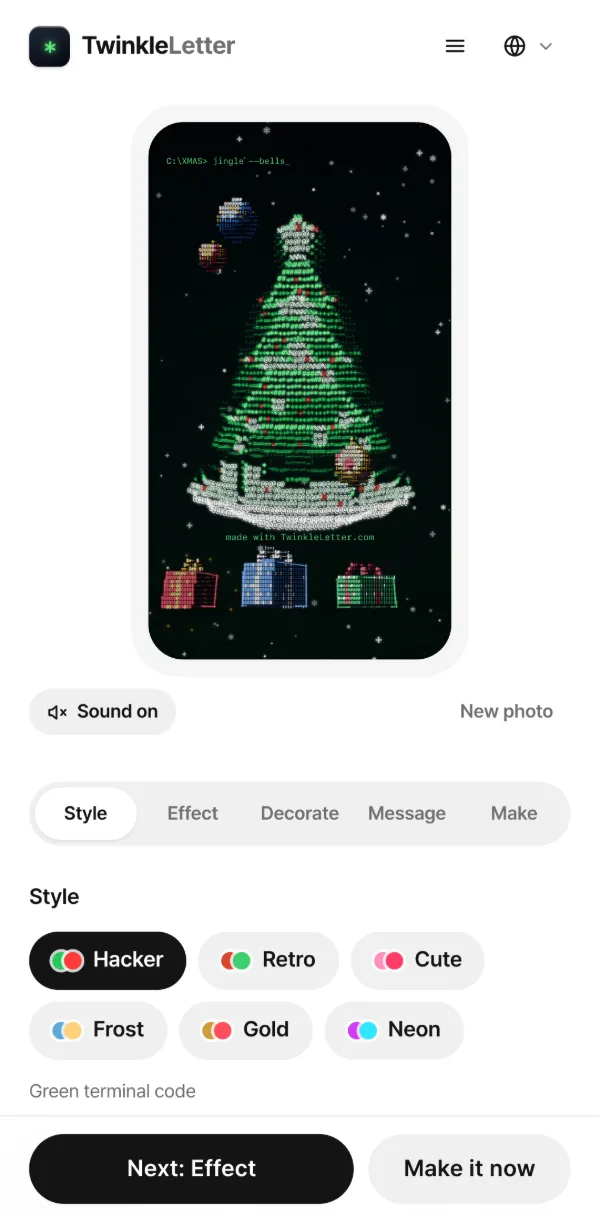
Pick a photo
Choose a photo with a clear subject, like a face or a pet. The moment you pick it, it turns into letters in the preview. Your photo never goes to a server; everything happens on your device.
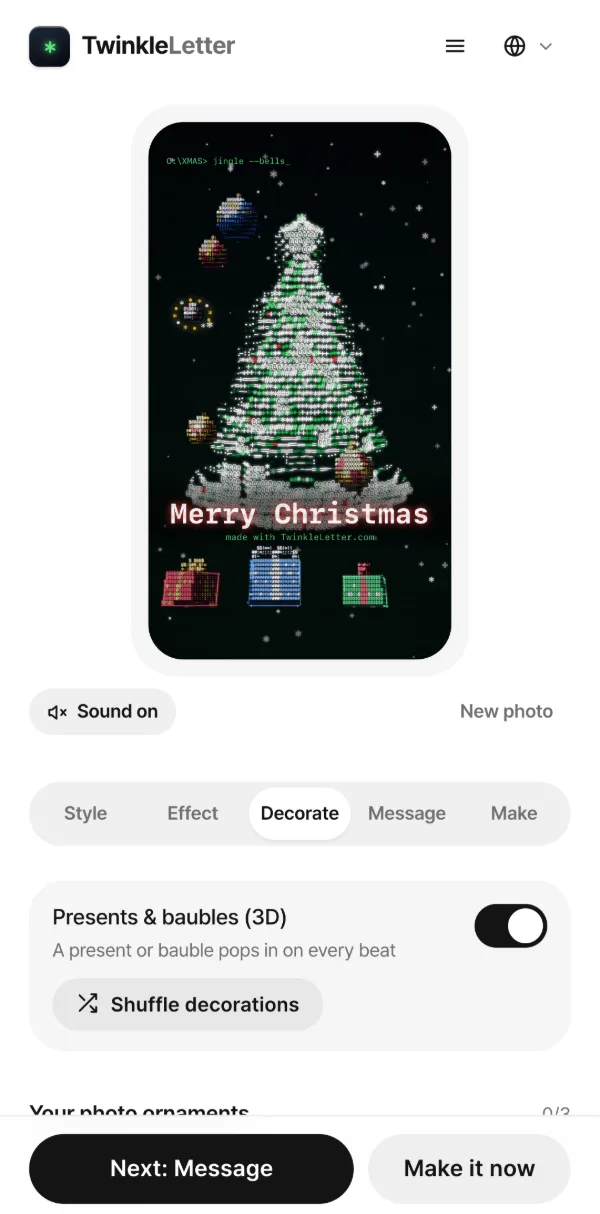
Decorate
Choose the letter colours, the backdrop and how the photo appears, then write the greeting that closes the video. You can even hang your own photos as round ornaments. A basic video needs no account; every decoration opens up with a free login.
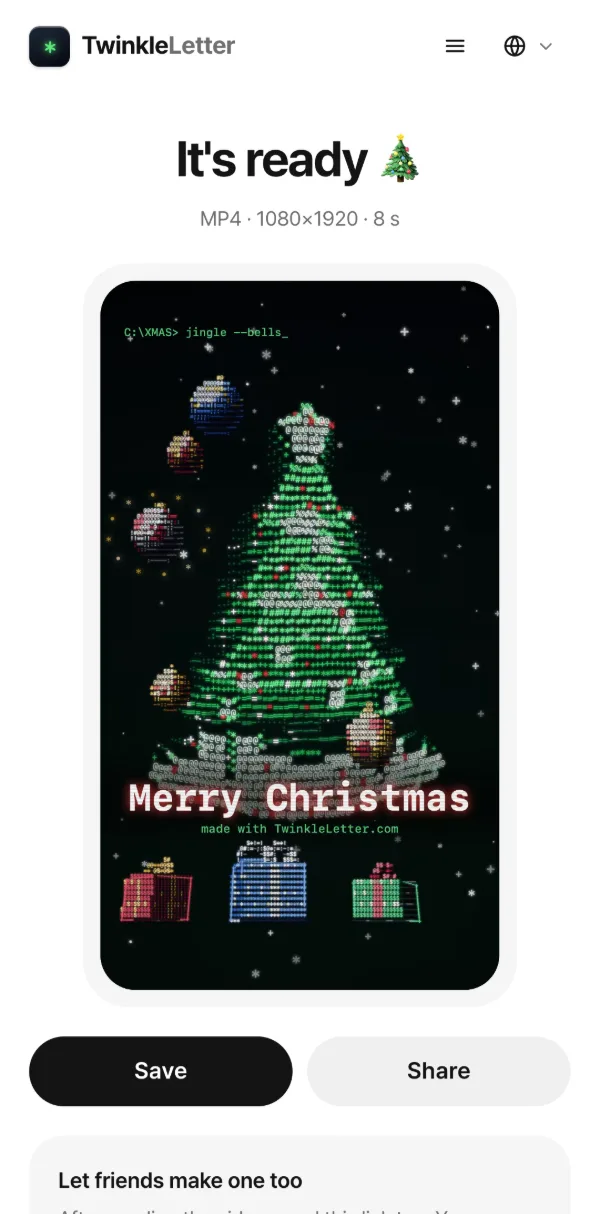
Save and send
Press “Make 8-second video” and it’s usually done within ten seconds. Save it to your phone or send it straight to WhatsApp, Instagram or any messenger. Pick portrait or square to fit Stories, Status or a feed post.
Photos that work best
The bright and dark parts of your photo turn into different letters, and together they draw the picture. The clearer the contrast, the crisper the result.
Fill the frame
When a face or subject fills at least half the photo, the eyes, nose and outline come through sharply.
Keep the background simple
Sky, a wall or a plain backdrop leaves only your subject standing out.
Even light
Photos taken in good light work best. If it’s backlit or the background is bright, try “Invert brightness”.
Shoot vertical
The video is 9:16 by default, so a vertical photo fills the screen edge to edge. A square video uses the middle of the photo.
Group shots where everyone is small, or screenshots full of text, are hard to make out.
When to send one
The same photo becomes a different gift depending on who gets it.
To your partner
A photo of the two of you with a short note, sent on Christmas morning.
To the family chat
Make one from a photo of the kids or the dog and send your season’s greetings.
To old friends
Dig out an old photo together and say thanks for another year.
To colleagues and clients
Use a team photo or your logo in place of a holiday card.
To show off your pet
Make one from a photo of your dog or cat and send it to fellow pet lovers.
To your Story
It’s a vertical video with a carol, so it goes straight into Stories and Reels.